
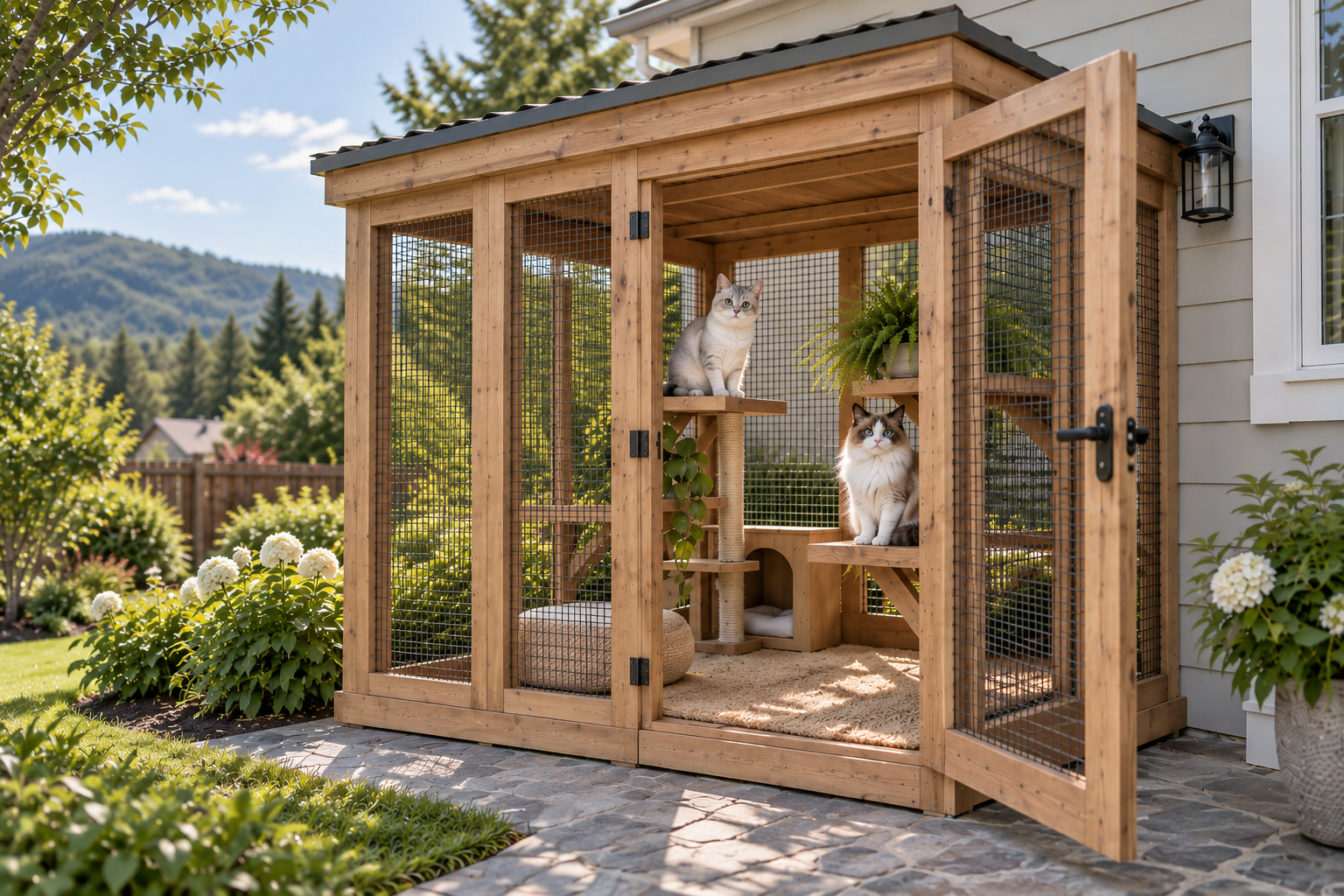

Custom Fit
Start with the dimensions and site conditions that make your space unique.
Custom DIY catio plans
Enter your measurements and get custom drawings, a materials list and a printable plan.

Start with the dimensions and site conditions that make your space unique.
See what the plan requires before you start buying materials.
Review clear drawings and organized project details before you build.
How it works
Tell us about your space, check the fit, and create a plan you can review before building.
Enter the length, depth and height available for your catio.
Add the site details that affect fit and access.
Generate drawings and project-specific planning details.
Check your plan, materials and next steps before you build.
Sample format
Hypothetical format preview
No project dimensions, technical drawings, material quantities or cut lengths are published in this unreviewed example.
Choose your path
Begin with a starting point, then choose the level of project detail you need.
Browse online starting points and use free planning tools.
Get project-specific drawings, a materials list and a printable plan.
Add a cut list, tool list, build steps and advanced project details.
Ready when you are


